PlumeSQL

A featherweight PostgreSQL client.
One binary, no Electron.

14 MB download PostgreSQL 13 to 18, proven Free, no account macOS, Windows, Linux

The editor

Query Postgres. Nothing in your way.

Installed in 37 MB where pgAdmin 4 takes 708.

The desktop app on macOS, measured on the same machine. A 14 MB download, no Java and no bundled browser, the server ready about 40 ms after launch, and no telemetry.

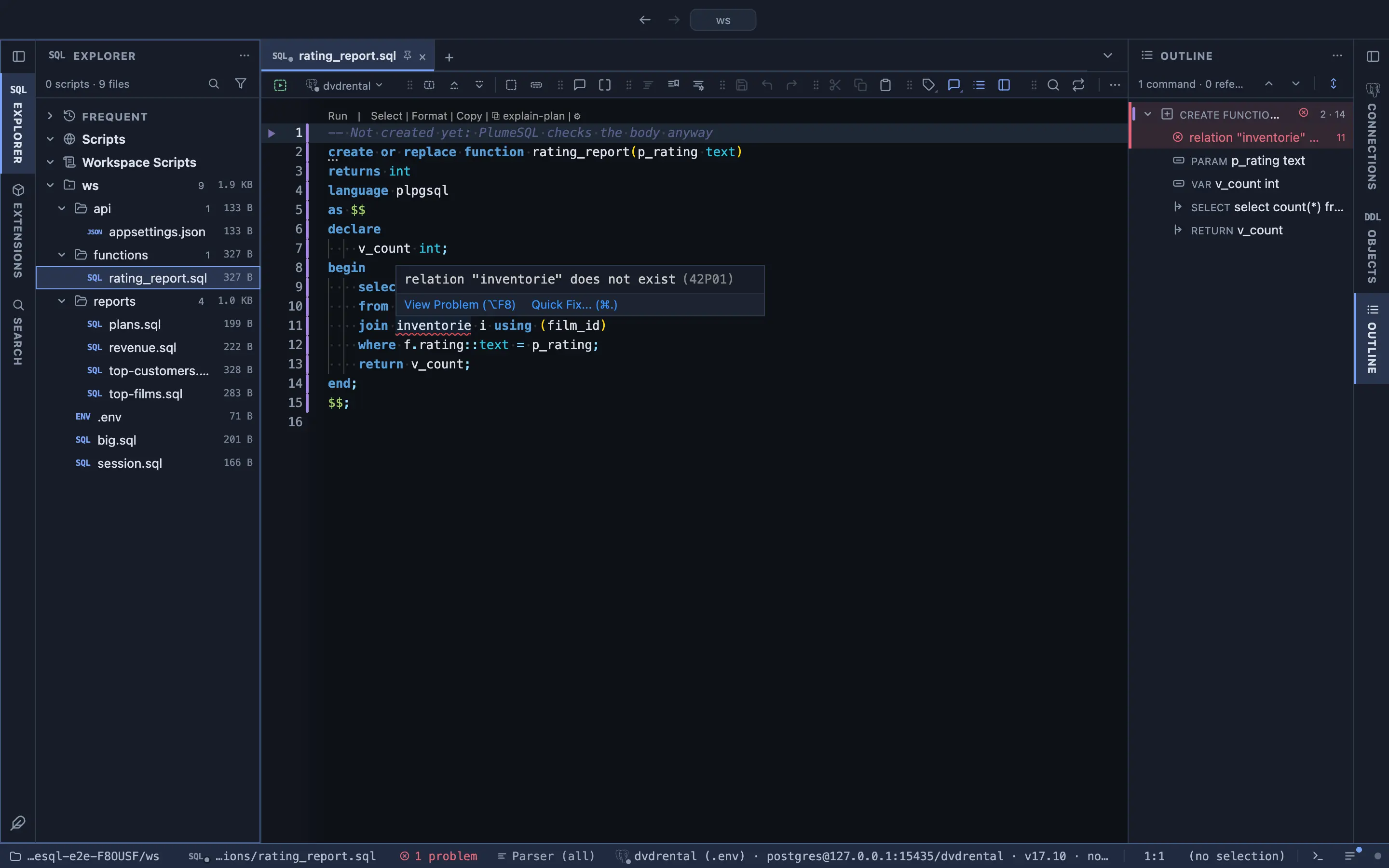
PostgreSQL lints as you type

Every statement of a connected tab goes through the server's own Parse: real grammar, real name resolution, no execution, no transaction, nothing left behind. Function bodies too: CREATE FUNCTION and DO are read with libpg_query and every embedded statement is checked before the function exists.

A PL/pgSQL function not created yet, with relation inventorie does not exist marked in its body

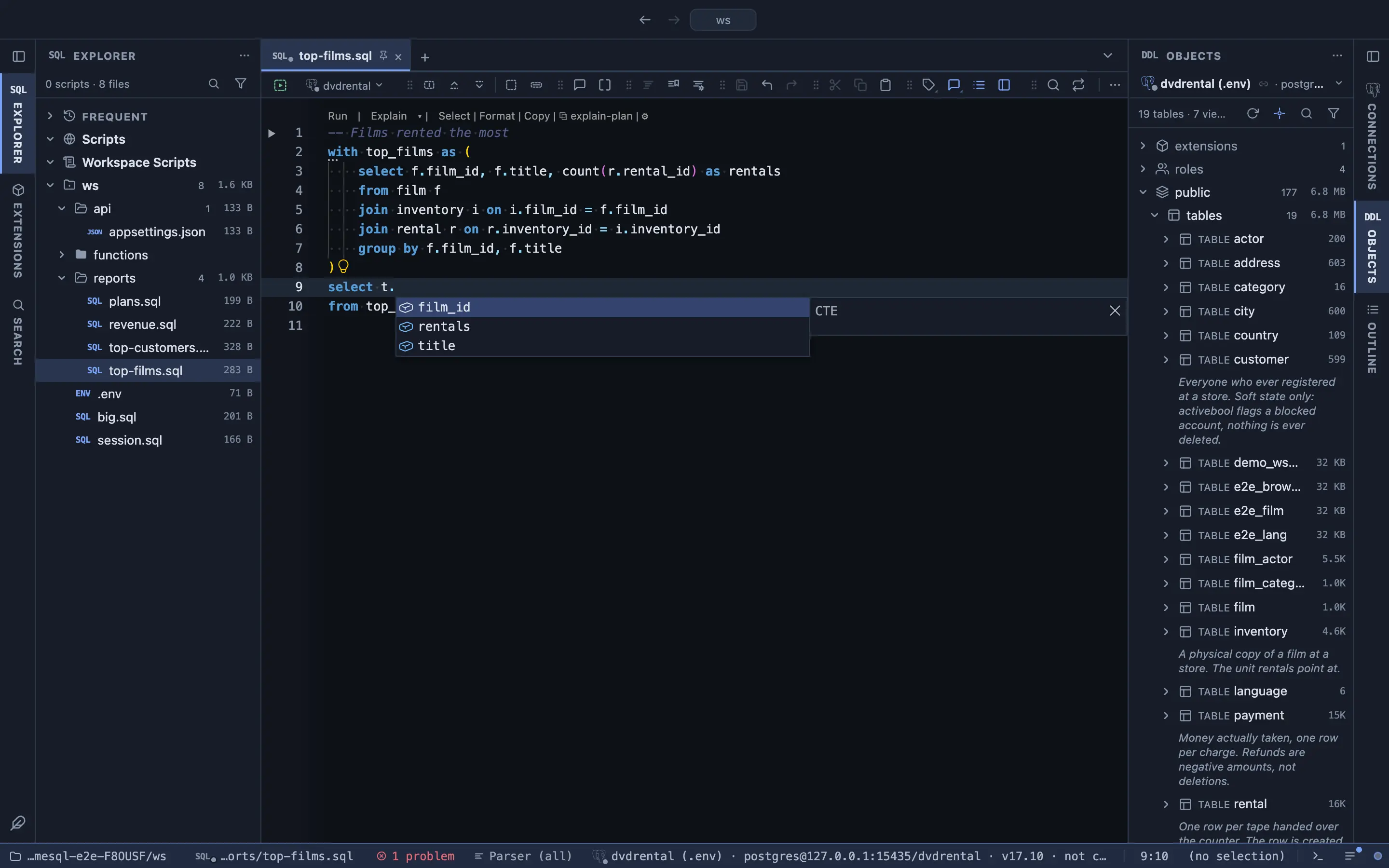
Completion from the statement's scope

The object dictionary plus the statement as PostgreSQL reads it: a star inside a CTE expands to columns, a function in FROM completes its output, aliases resolve through USING, LATERAL and MERGE.

Completion through a CTE alias

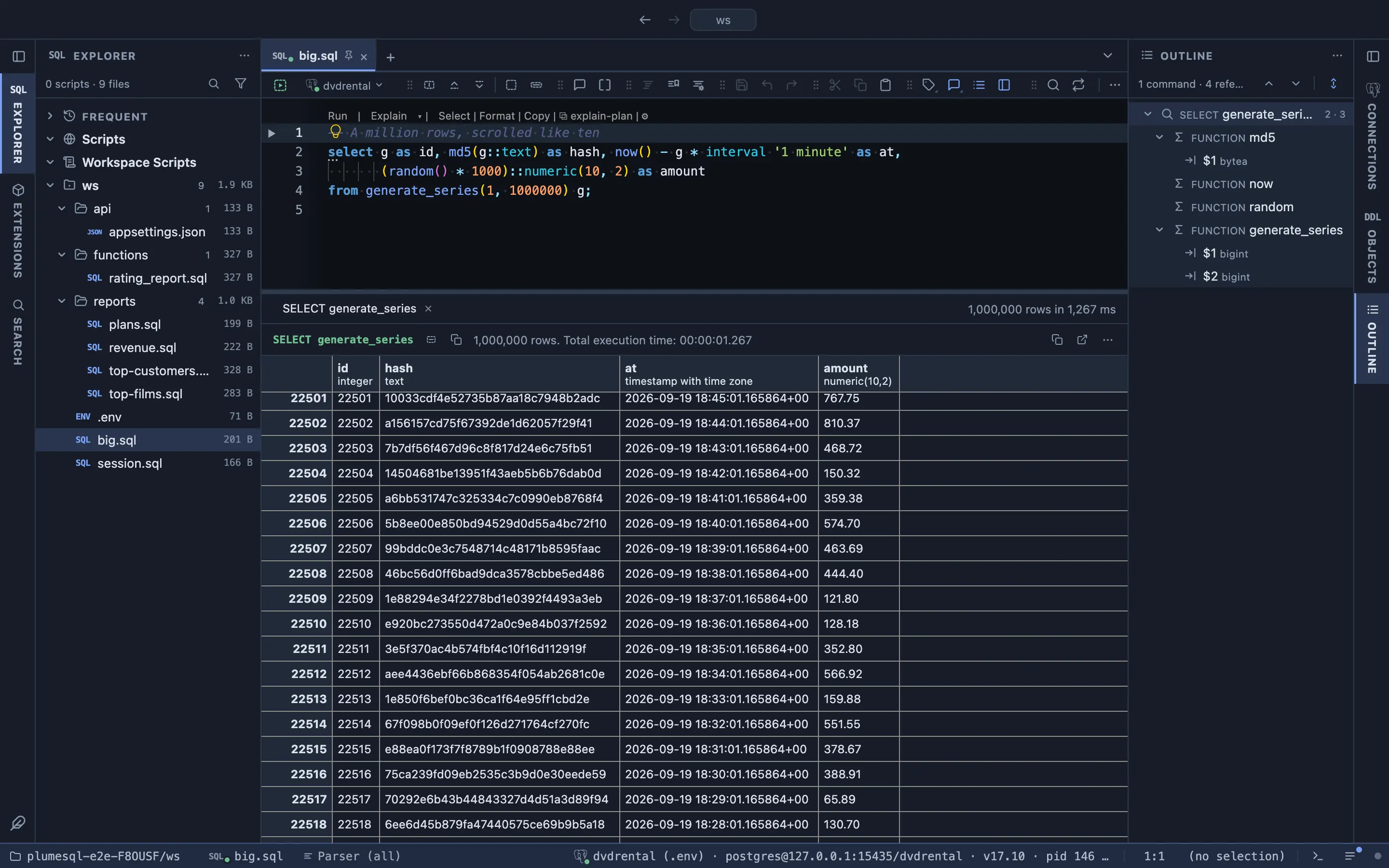
A million rows, scrolled like ten

The grid keeps the whole result and scrolls it without paging. A row is edited in place, keyed on its primary key, else the best unique index, else its content, and every write is parameterized and refused when it would match more than one row.

A result of a million rows scrolled to row 22,500

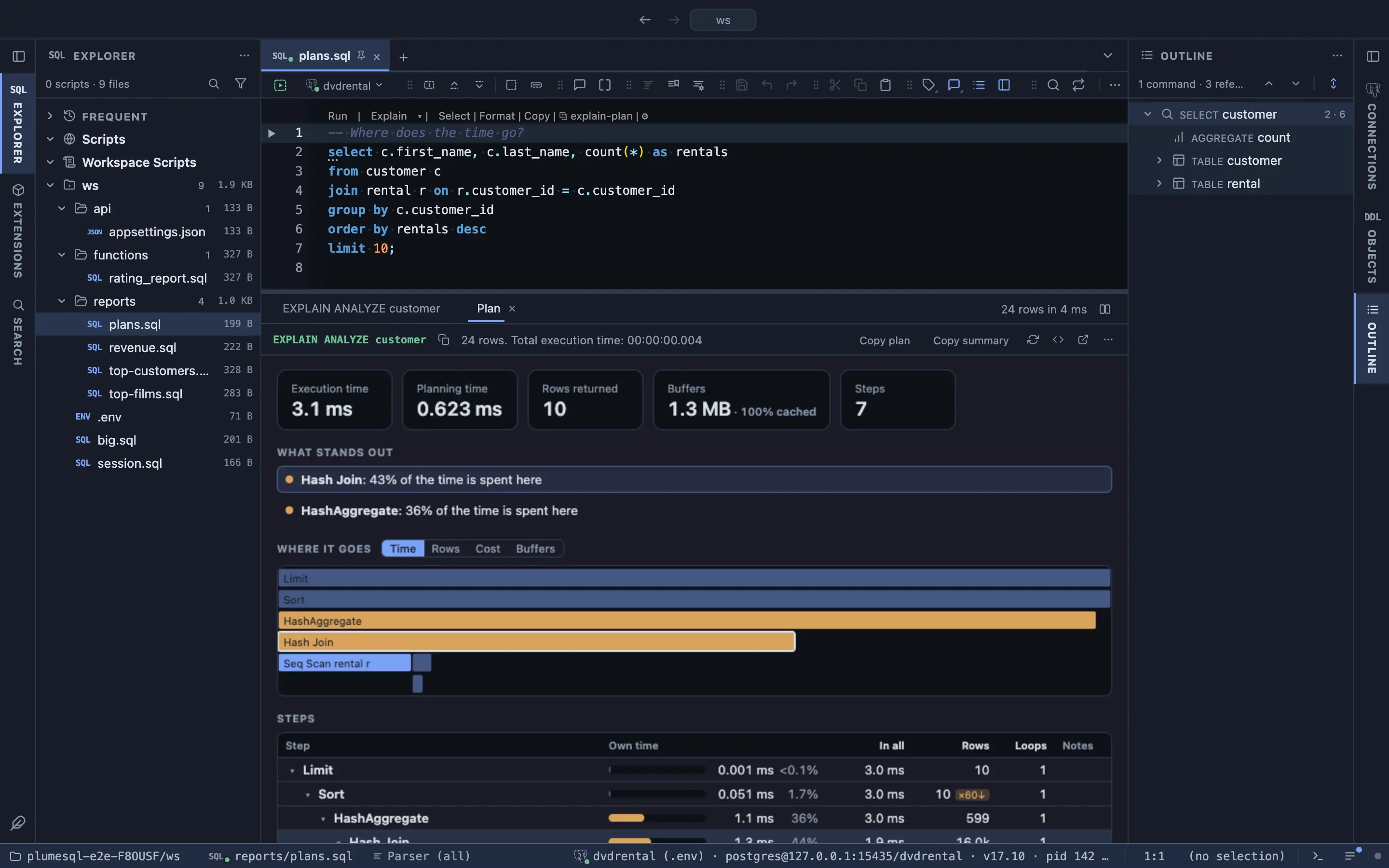
A plan you can read

EXPLAIN gets a Plan tab beside the grid: the timings and buffers on top, what stands out as links to its step, where the time goes as one bar per node, and every step with its own time, rows and loops.

The Plan tab of an EXPLAIN ANALYZE: the summary, what stands out, where the time goes and the steps

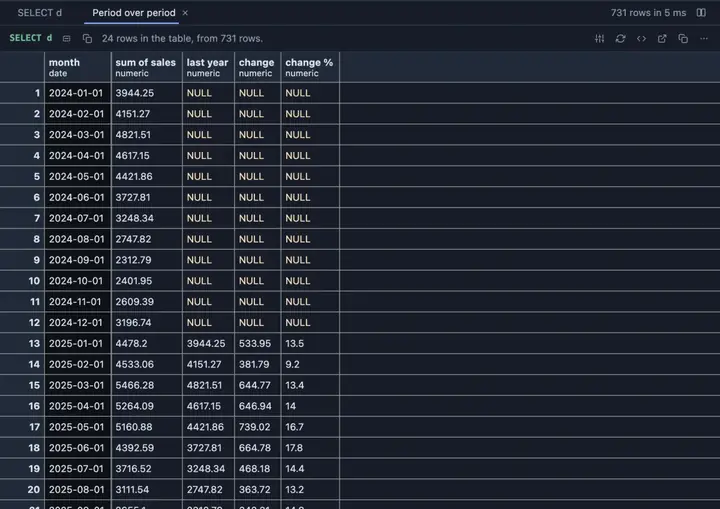
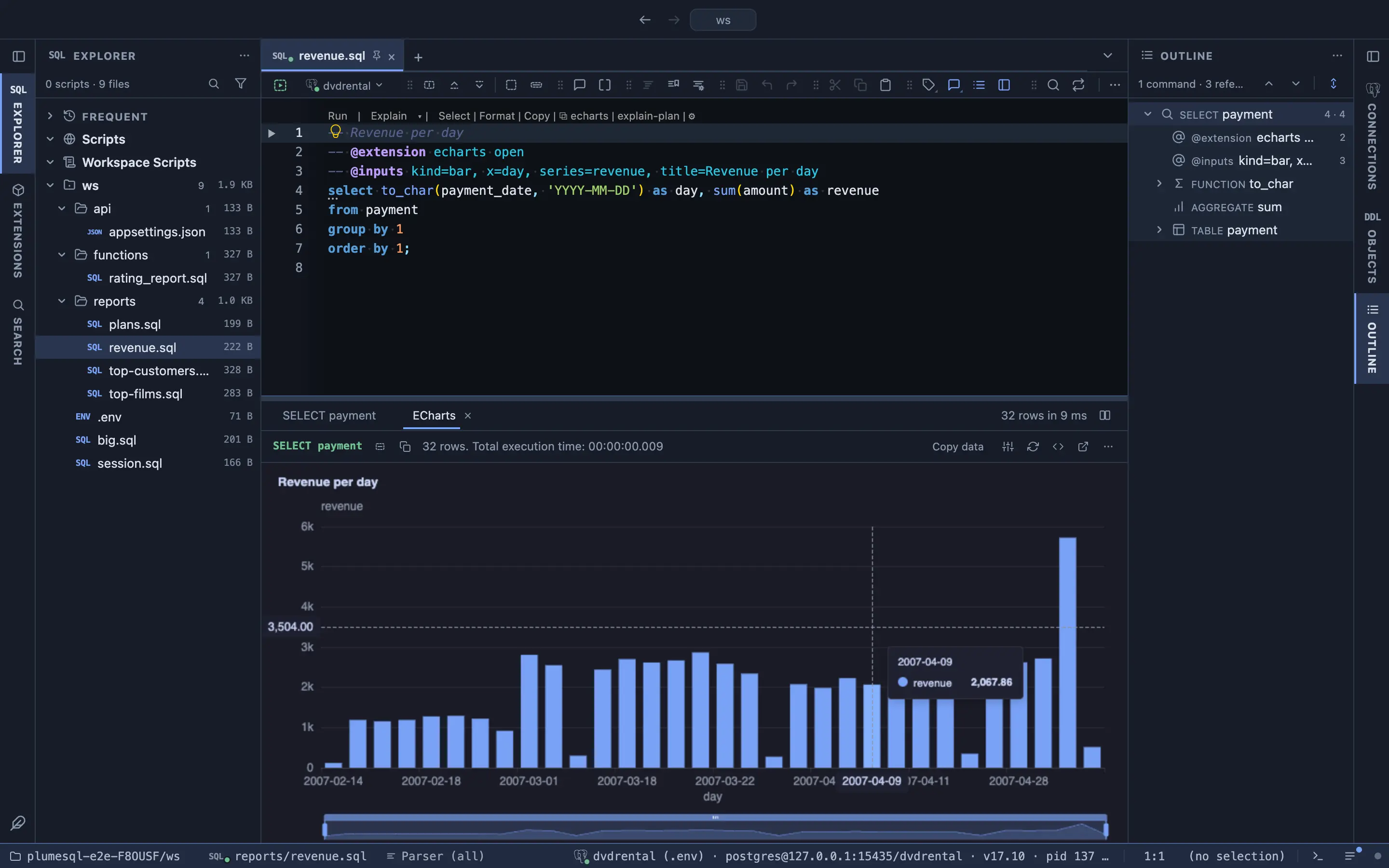
A chart over the rows you just got

One comment above the query names the chart and its axes, and the result opens as an ECharts view beside the grid, with tooltips and a zoom slider.

Revenue per day as a bar chart over a query's result
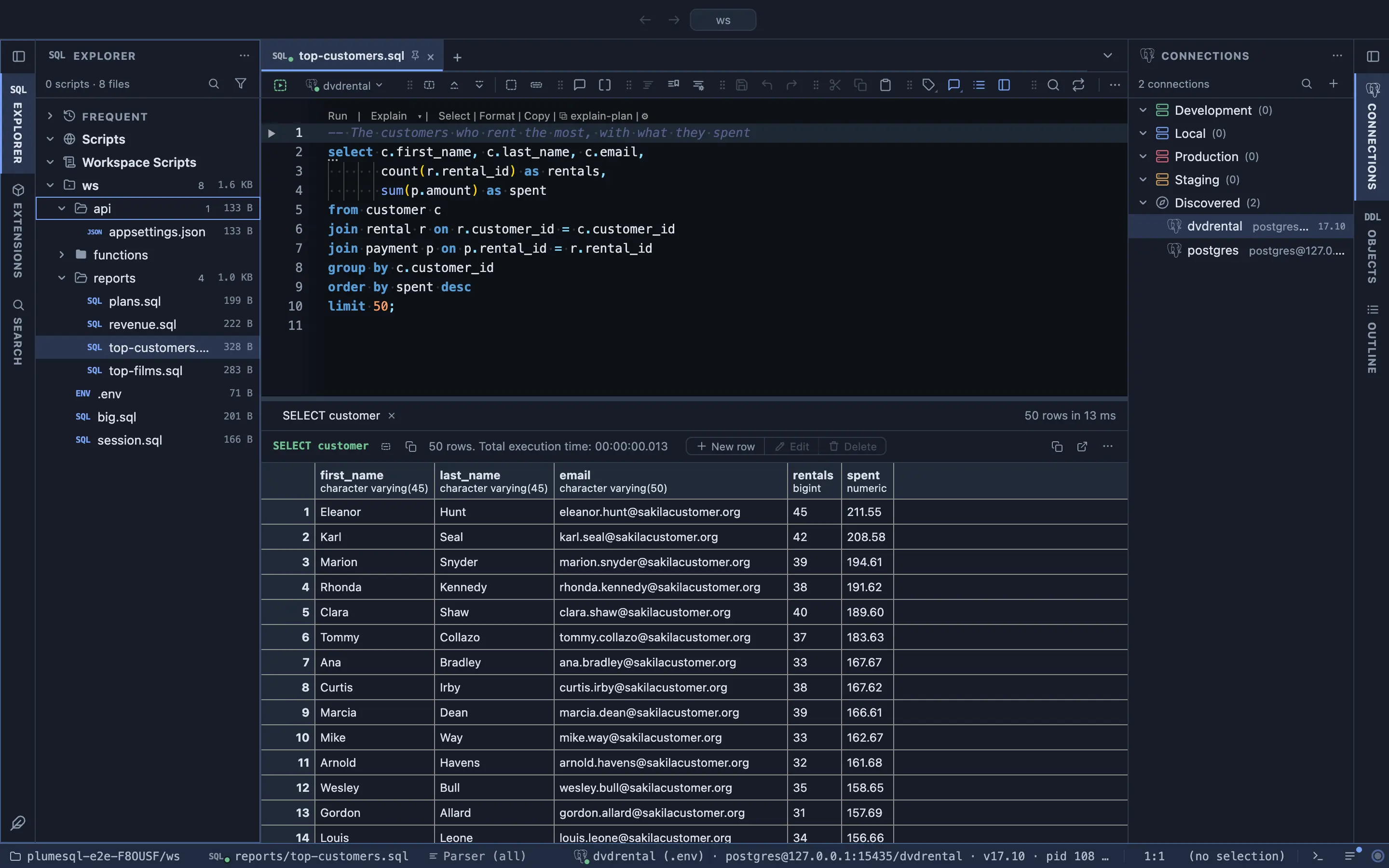
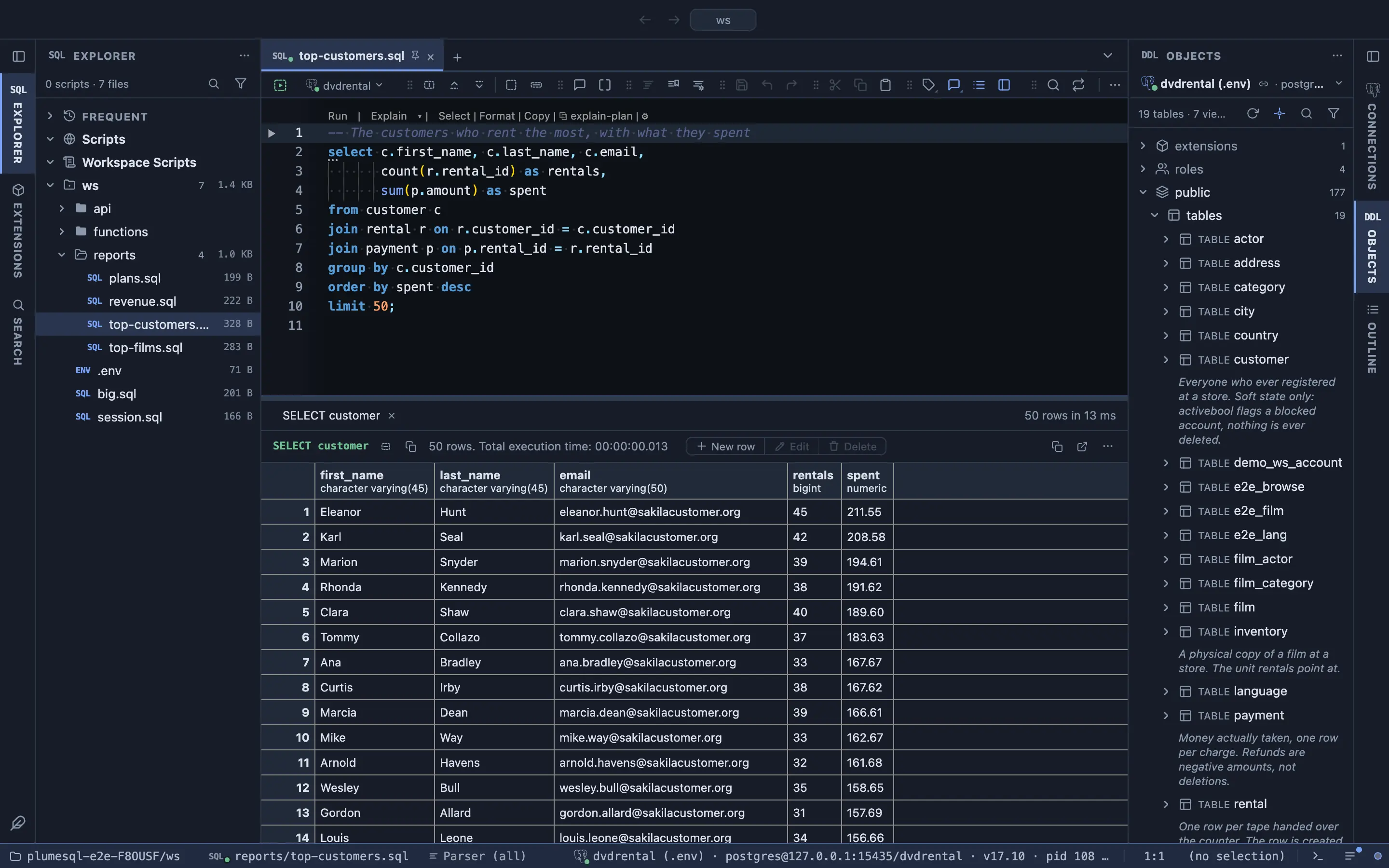
A query with its rows in the grid and the object tree with each table's comment
A query, its rows and the object tree, each table with its comment.
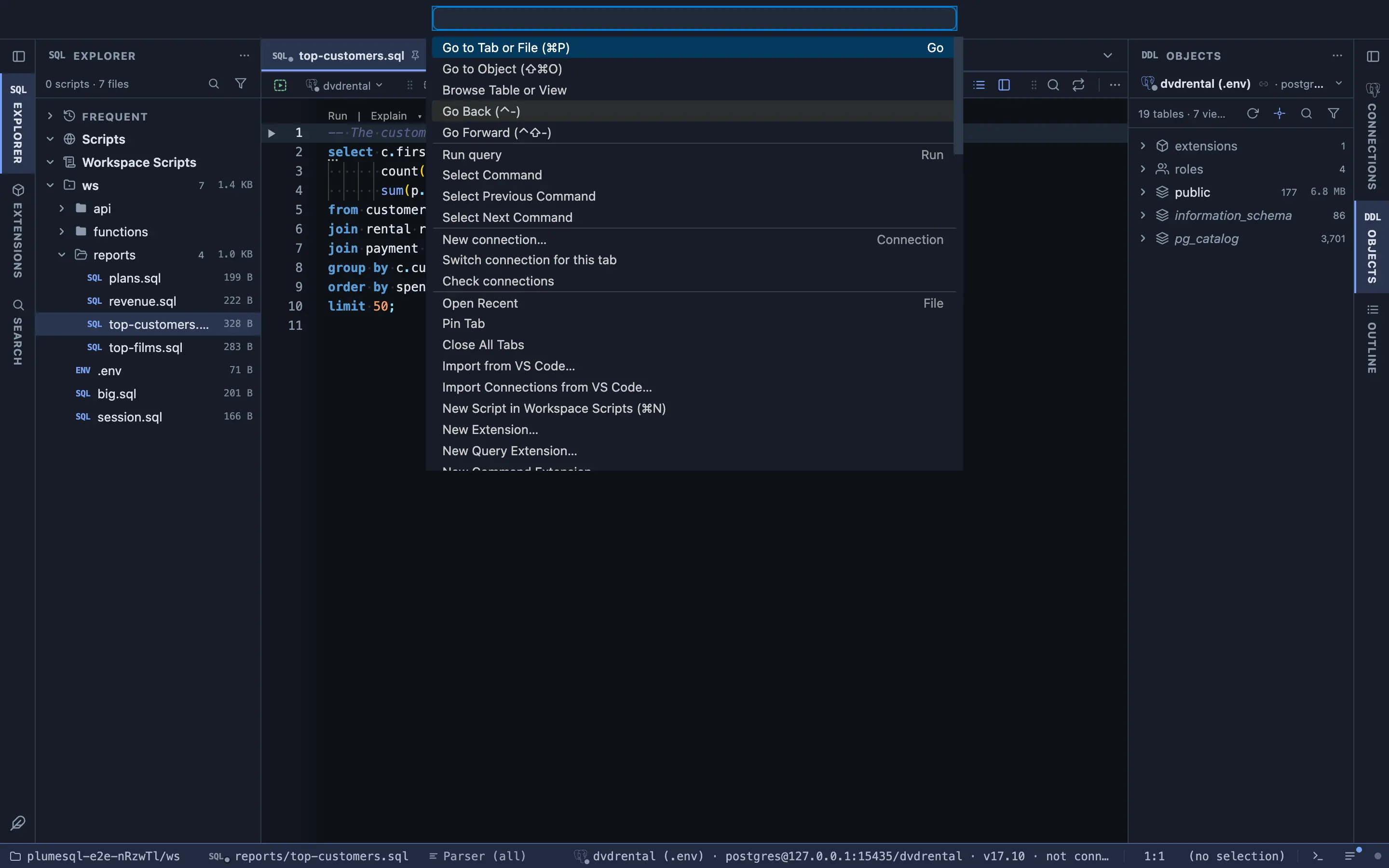
The command palette over the editor
Every command, tab, file and object from the command palette.

It knows what your server runs: the grammar of the connected major, and the extensions in the tree, the DDL and the grid.

13PostgreSQL 13
14PostgreSQL 14
15PostgreSQL 15
16PostgreSQL 16
17PostgreSQL 17
18PostgreSQL 18
TSTimescaleDB
CICitus
GISPostGIS
VECpgvector
CRONpg_cron
PARTpg_partman
STATpg_stat_statements

The objects

A database you can read, grep and act on.

The object browser is a DDL dump on disk, rendered by PostgreSQL's own decompilers

Proven to execute againA matrix of PostgreSQL 13 to 18, TimescaleDB and Citus replays every rendered file and compares the result byte for byte.
Statistics on every rowRows, size with indexes and TOAST, scans, dead rows, last vacuum and analyze. Folders add them up; sort by size.
Where is this column usedA local search across every view, function and trigger. No query, no connection, Replace included.
Scripts from the row menuSelect with foreign keys joined, the insert, on conflict and merge matrix, comments, grants, and plumesql dump-tree on the command line.
Try it on your database
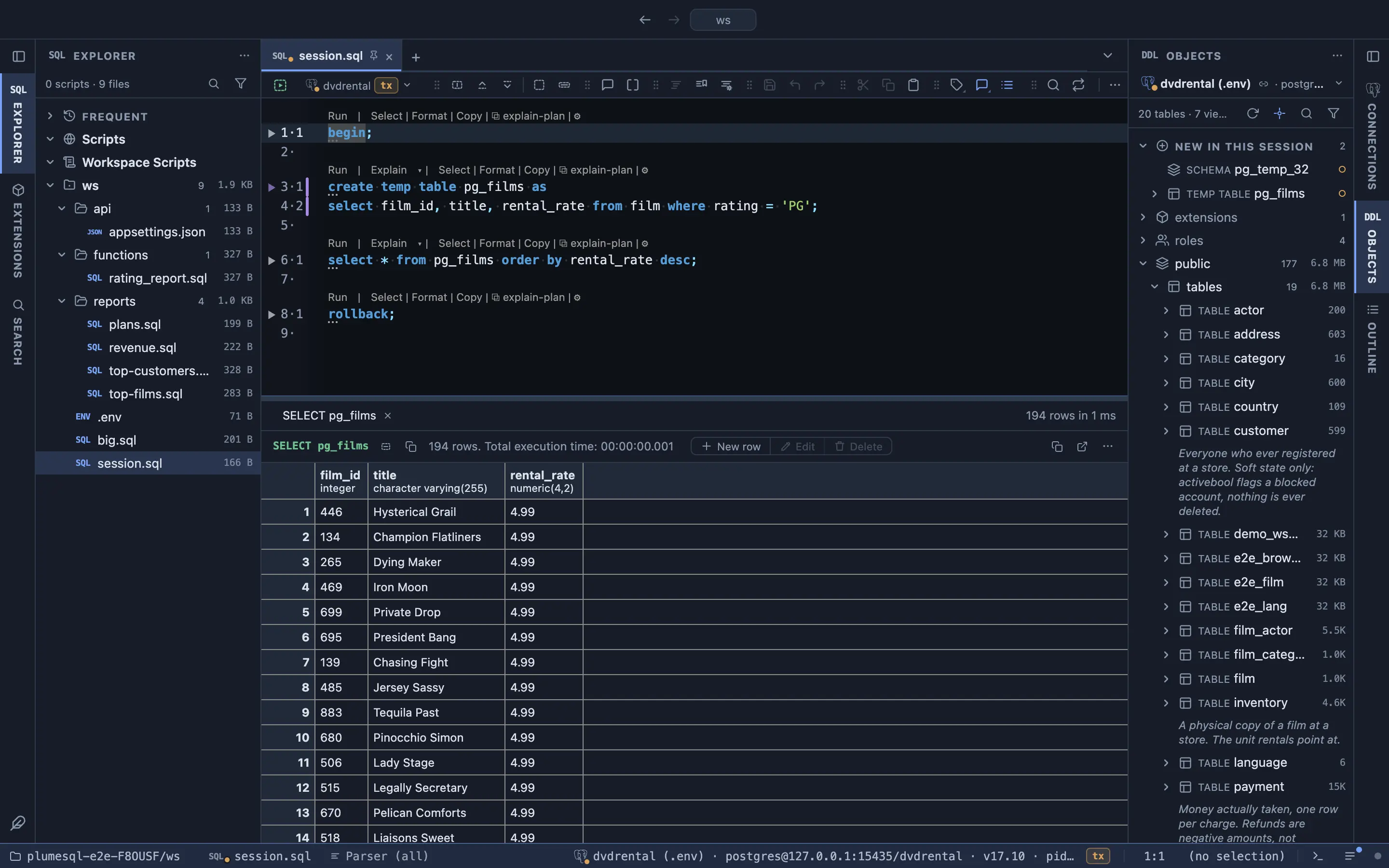
What only your session sees

A tab is its own backend and the object browser, the after-DDL refresh and the parser borrow it. A temp table completes and lints like any other table, and a table created after BEGIN sits in the tree, amber, before COMMIT. The read is fenced with a savepoint, so it can never abort your work.

Nothing happens behind your back

Startup opens nothing you did not leave open. Nothing you connected is ever disconnected without your gesture. The parser only ever borrows a session that is free, never queues, never dials on its own, and every statement PlumeSQL sends on its own initiative is listed in its documentation.

Inside an open transaction: a temp table and an uncommitted table on the tree's New in this session shelf, and the uncommitted table completing in the editor
A temp table and a table created after BEGIN, on the tree and in completion, before COMMIT.

Safety and privacy

Safe on production. Private by default.

Read only, by PostgreSQL

Put -- @readonly in a script and PostgreSQL itself refuses any write. -- @connection pins a script to its server, so it cannot run on the wrong one by accident.

No WHERE, no surprise

An UPDATE or DELETE without WHERE turns red before you run it. The lightbulb shows the rows it would touch, or adds a WHERE on the primary key.

Production guard

On a Production connection, anything that changes data asks first, and every parser that would touch the server goes quiet.

Commit gate

COMMIT can show you what the transaction changed before it goes through. EXPLAIN ANALYZE on an INSERT, UPDATE or DELETE runs in a rollback, so nothing actually changes.

No account, no telemetry

Your connections and data stay on your machine. Passwords live in your project files or an encrypted vault, and never reach the interface. The server listens on localhost only, behind a token minted at launch. PlumeSQL goes online for updates, the extension catalog and the documentation pages you open, and the System page lists every host it reaches.

Proven on 8 servers: PostgreSQL 13 to 18, TimescaleDB and Citus.

Every query extension in the public repository runs on each of them on every push, and the DDL snapshot's matrix replays every rendered file and compares the result byte for byte.

Extensions

Plain files that become tools.

A saved query with a few comment annotations gets typed inputs, row buttons, a pin in the title bar and a refresh timer. Three flavors, one format, written in a specification anyone can implement.

Query extension.plumesql.sql. A query with annotations: inputs typed from its parameters, buttons that act on the clicked row, confirmations, a refresh every few seconds.
Command extension.plumesql.run. pg_dump, pg_restore, psql and friends on a real terminal, no shell in between, the password only through the tool's environment.
Grid extension.plumesql.js. Formatting rules, computed columns and result views: charts for a million rows, a pivot, a column profile, in a sandboxed frame with no network.

The Long running starter, as shipped

It asks for its threshold before it runs, pins itself in the title bar, refreshes every five seconds, and puts a Cancel button on every row that asks first.

More than 200 like it are in the Marketplace: activity, locks, storage, settings, roles, replication, backup and restore, PostGIS, pgvector, TimescaleDB, Citus, pg_cron, pg_partman. PlumeSQL sees what is installed on your server and recommends the ones that fit. An extension marked @for table appears in every table's row menu, DDL header and title bar.
-- @description Statements running longer than you say
-- @toolbar Long running
-- @var seconds "Running longer than (seconds)", "30"
-- @refresh 5s
select pid, usename, datname, state, query,
       clock_timestamp() - query_start as elapsed
from pg_catalog.pg_stat_activity
where state = 'active'
  and pid <> pg_catalog.pg_backend_pid()
  and query_start < clock_timestamp()
                    - make_interval(secs => {seconds})
order by query_start;

-- @button cancel
-- @confirm "Cancel the query?", "Cancel backend $pid?"
select pg_catalog.pg_cancel_backend($pid);

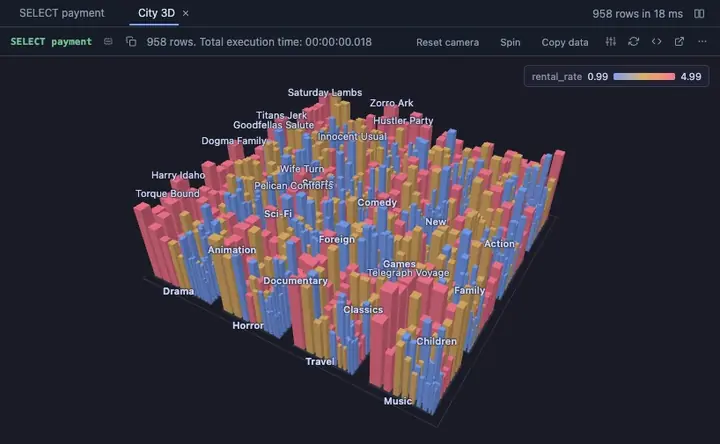
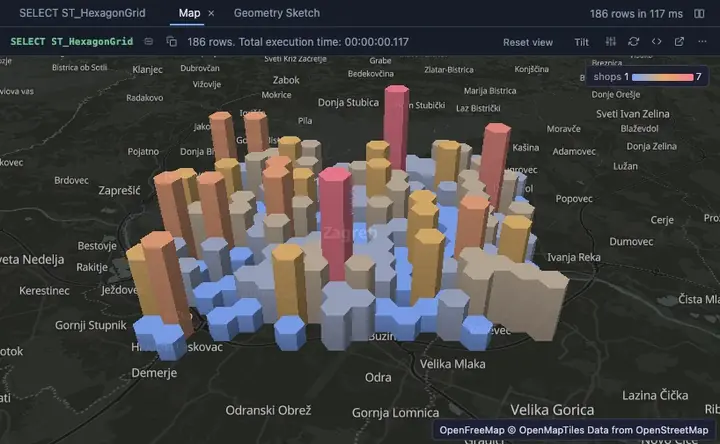
A view for almost any result.

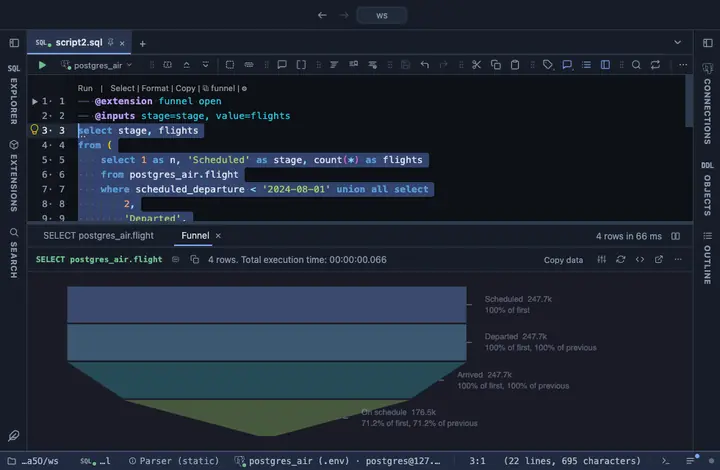
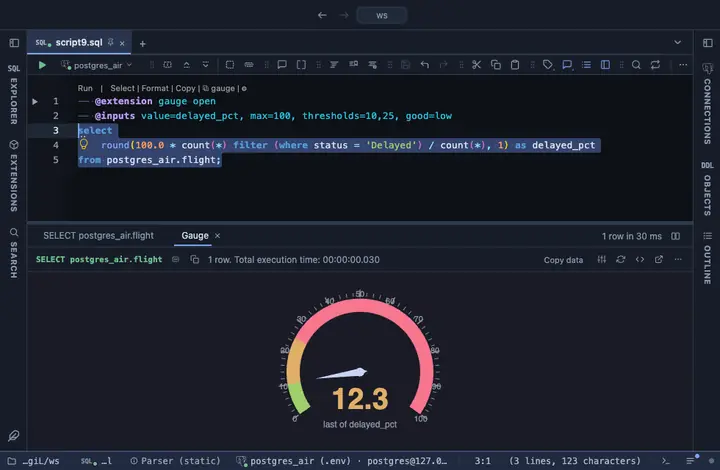
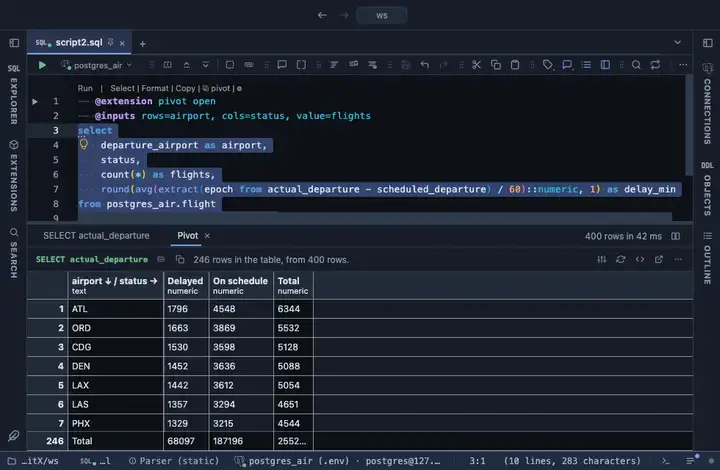
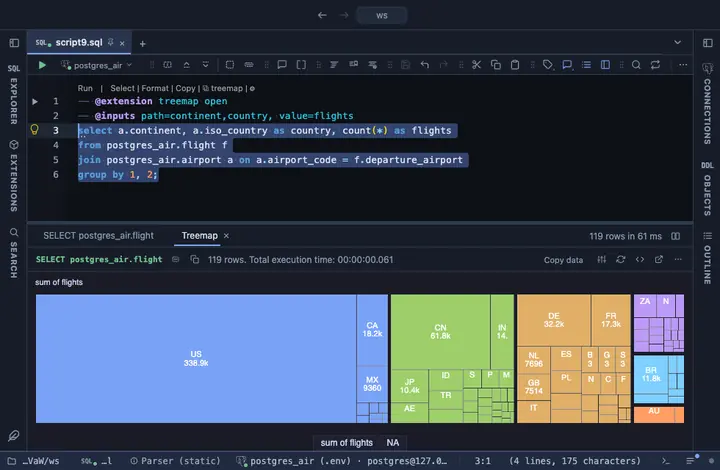
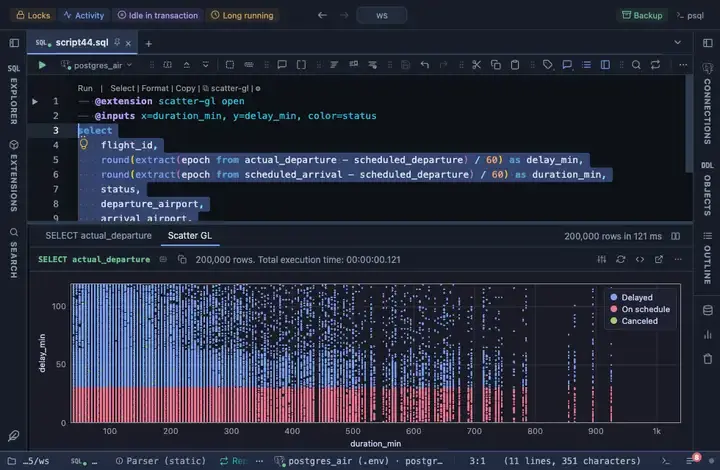
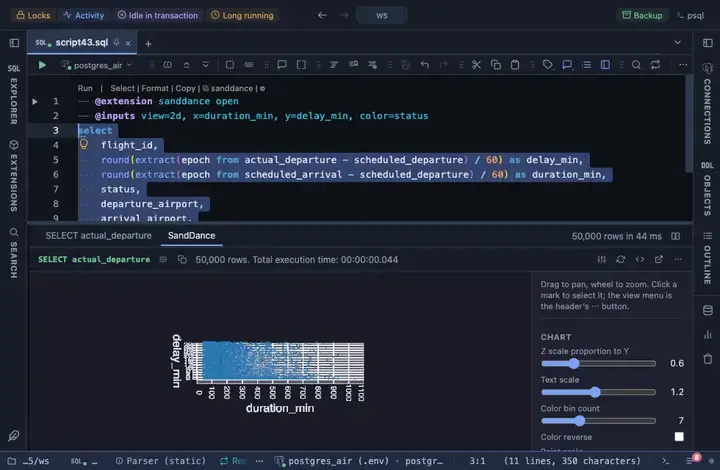
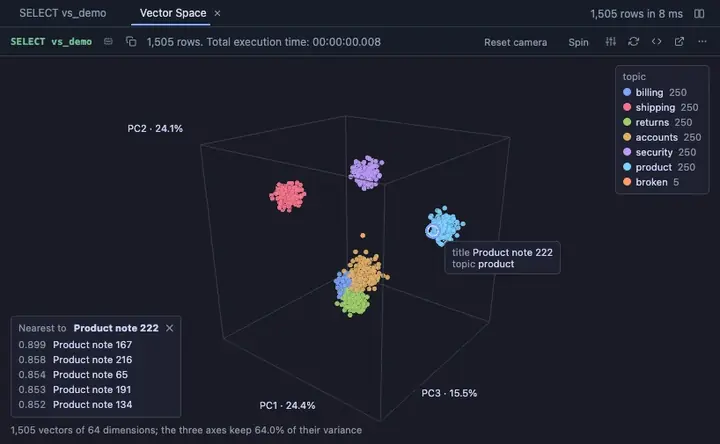
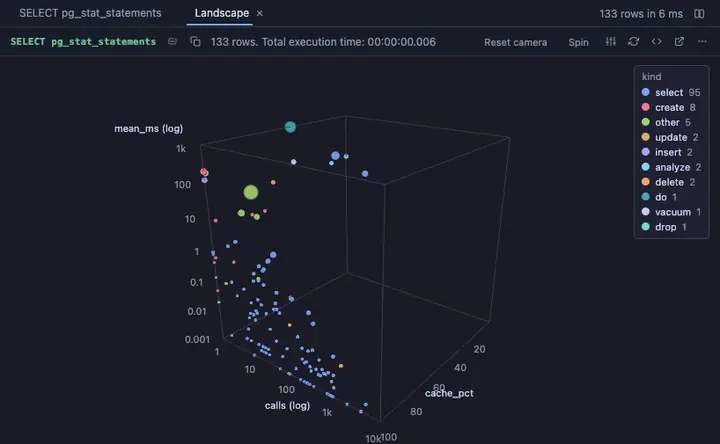
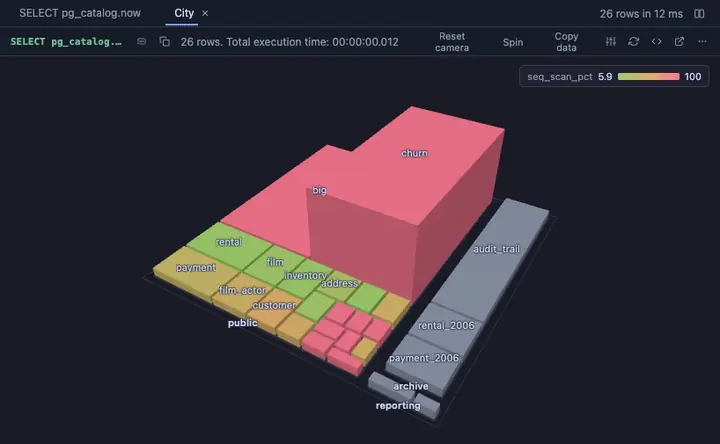
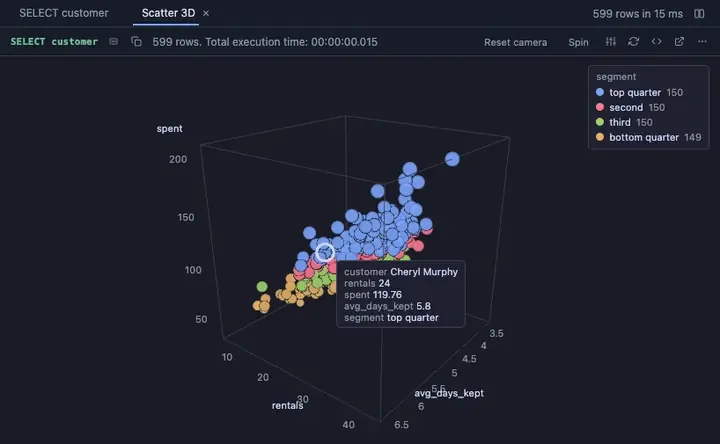
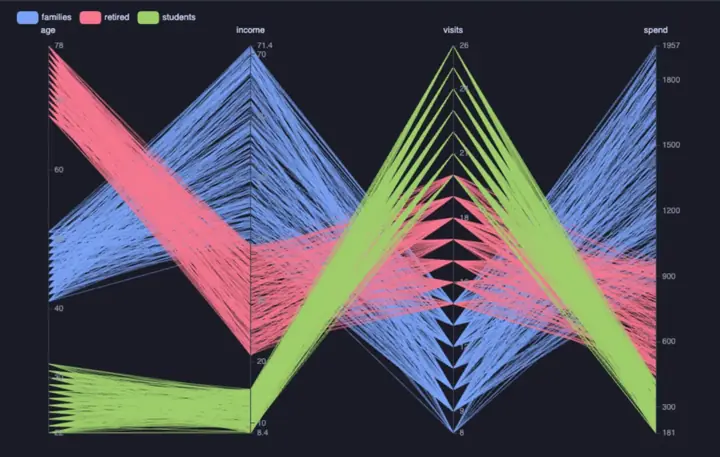
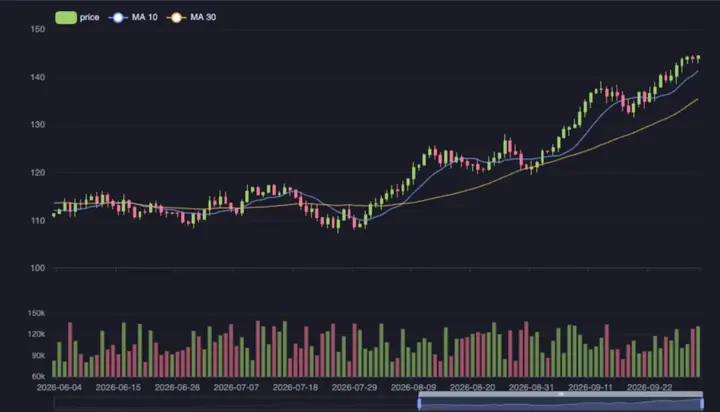
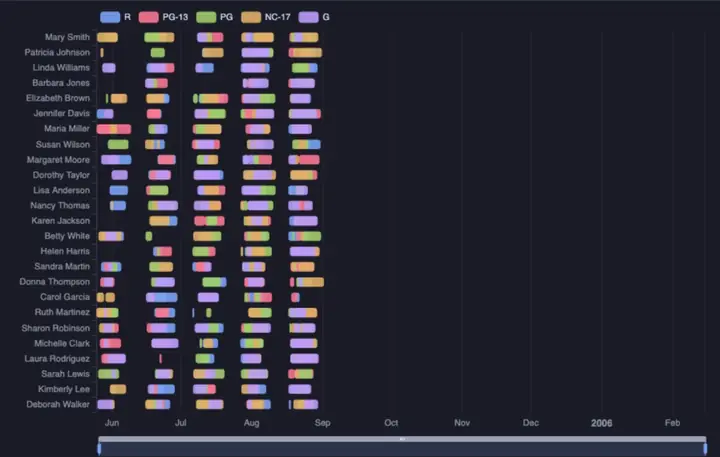
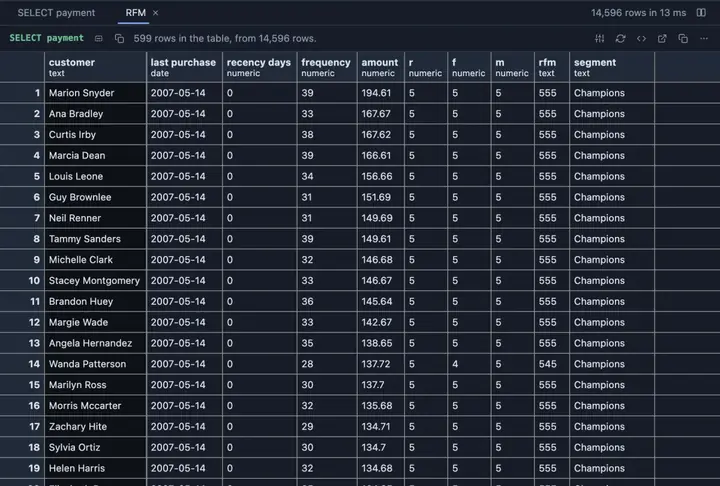
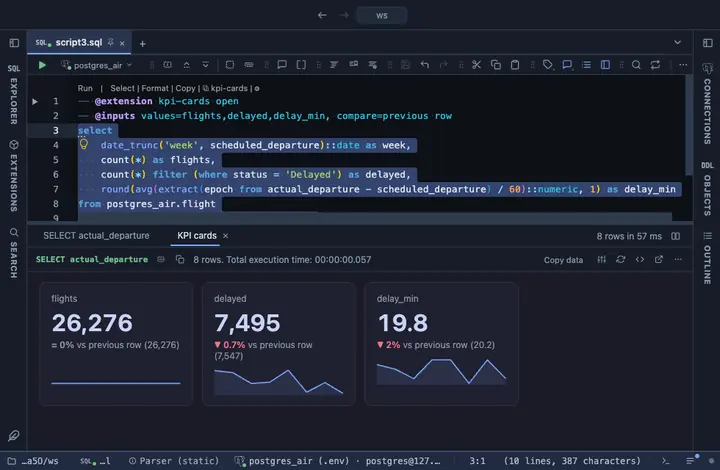
One @extension line above a query and its result opens as a chart, a dashboard, a pivot or a map, beside the grid or instead of it. These run on a real flights database.

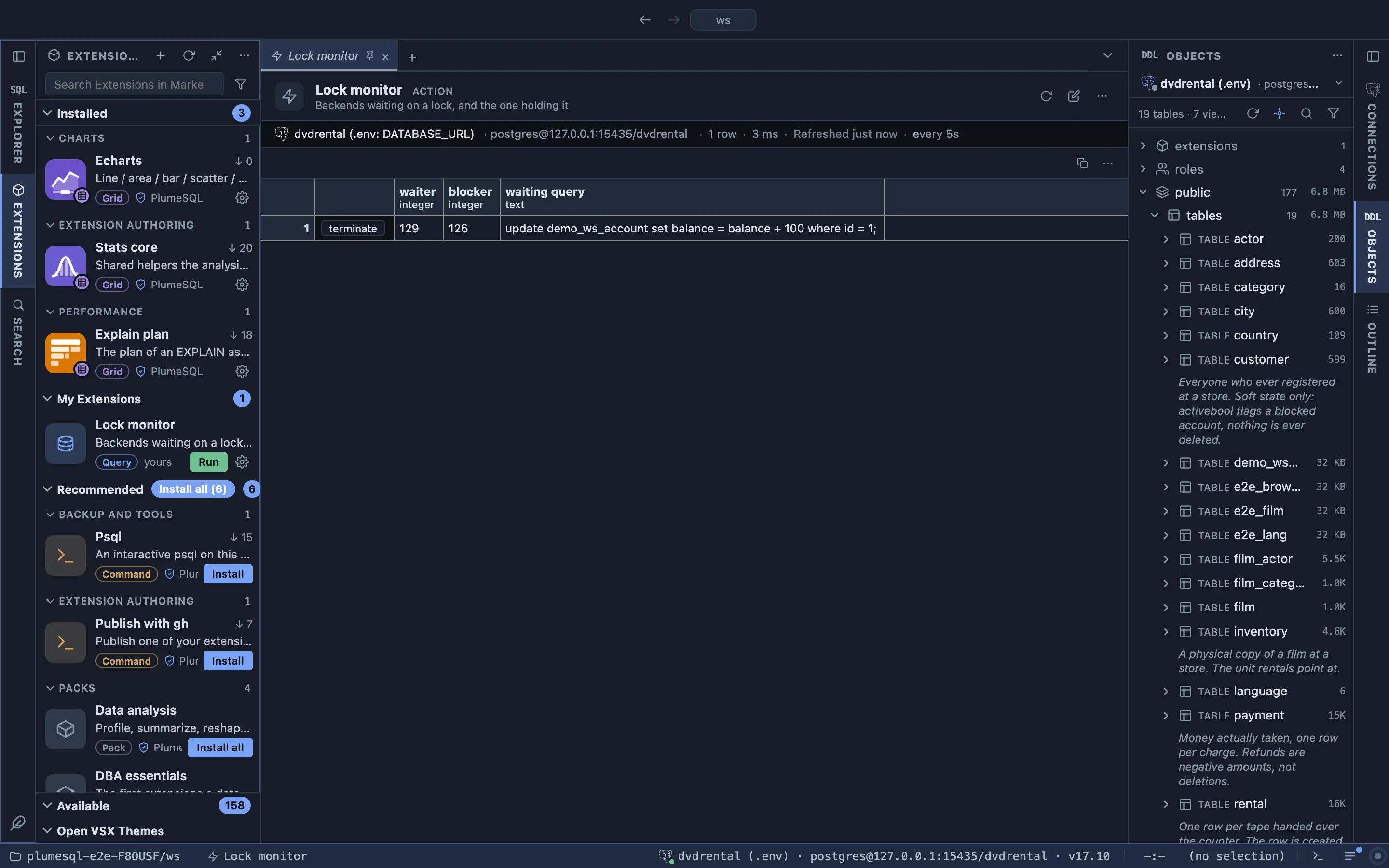
The Lock monitor extension at work The KPI cards extension at work The Funnel extension at work The Gauge extension at work The Pivot extension at work The Treemap extension at work The Scatter GL extension at work The SandDance extension at work
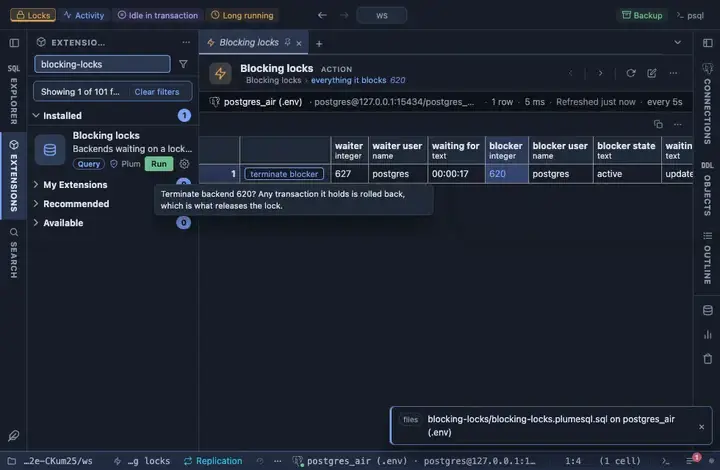
The Lock monitor extension showing a waiting backend, its blocker and a Terminate button on the row
A real lock, the backend holding it, and a Terminate button on the row.
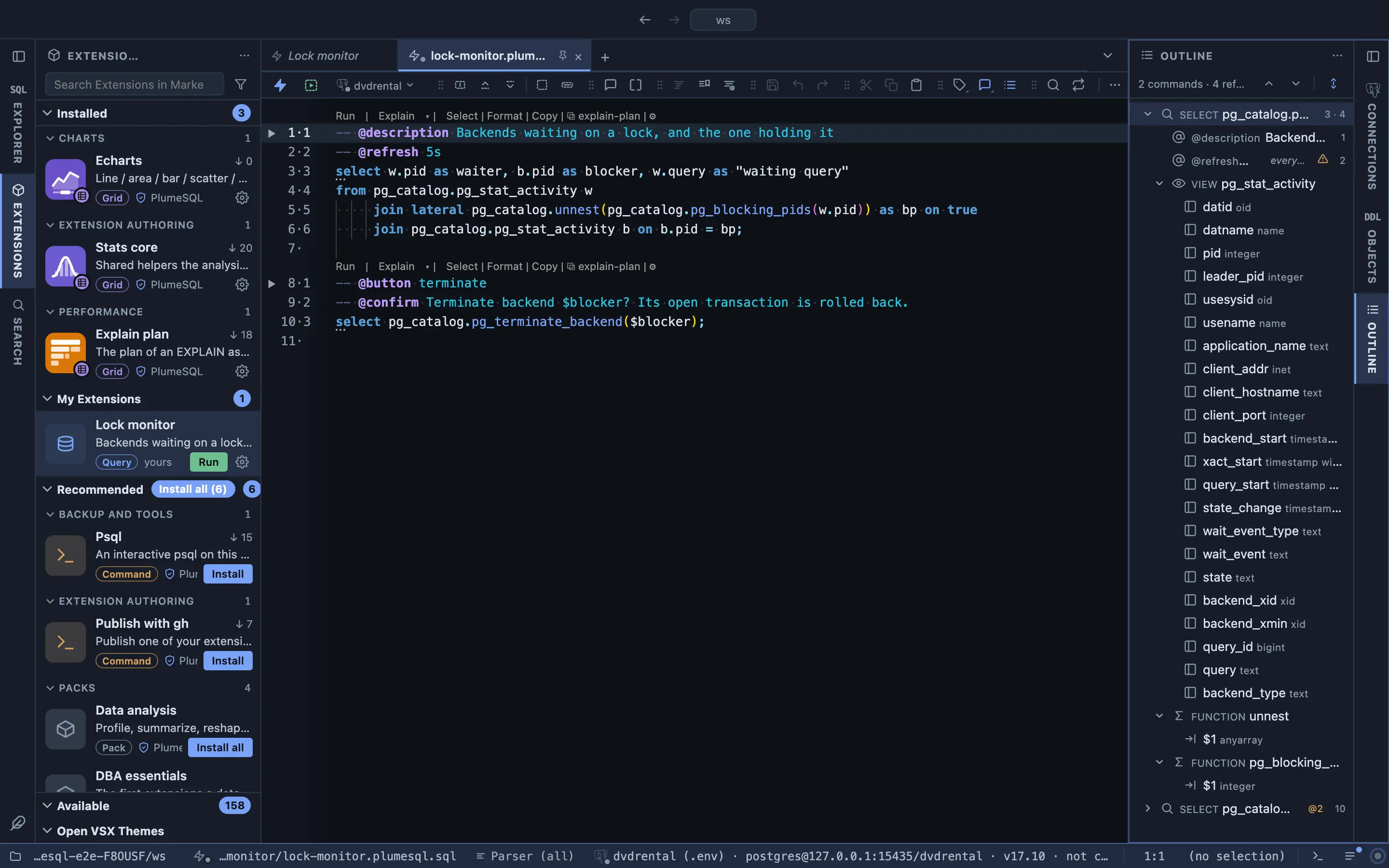
The Lock monitor as a SQL file with its annotations
The same tool is this file: a query, a refresh every five seconds and a button that asks first.
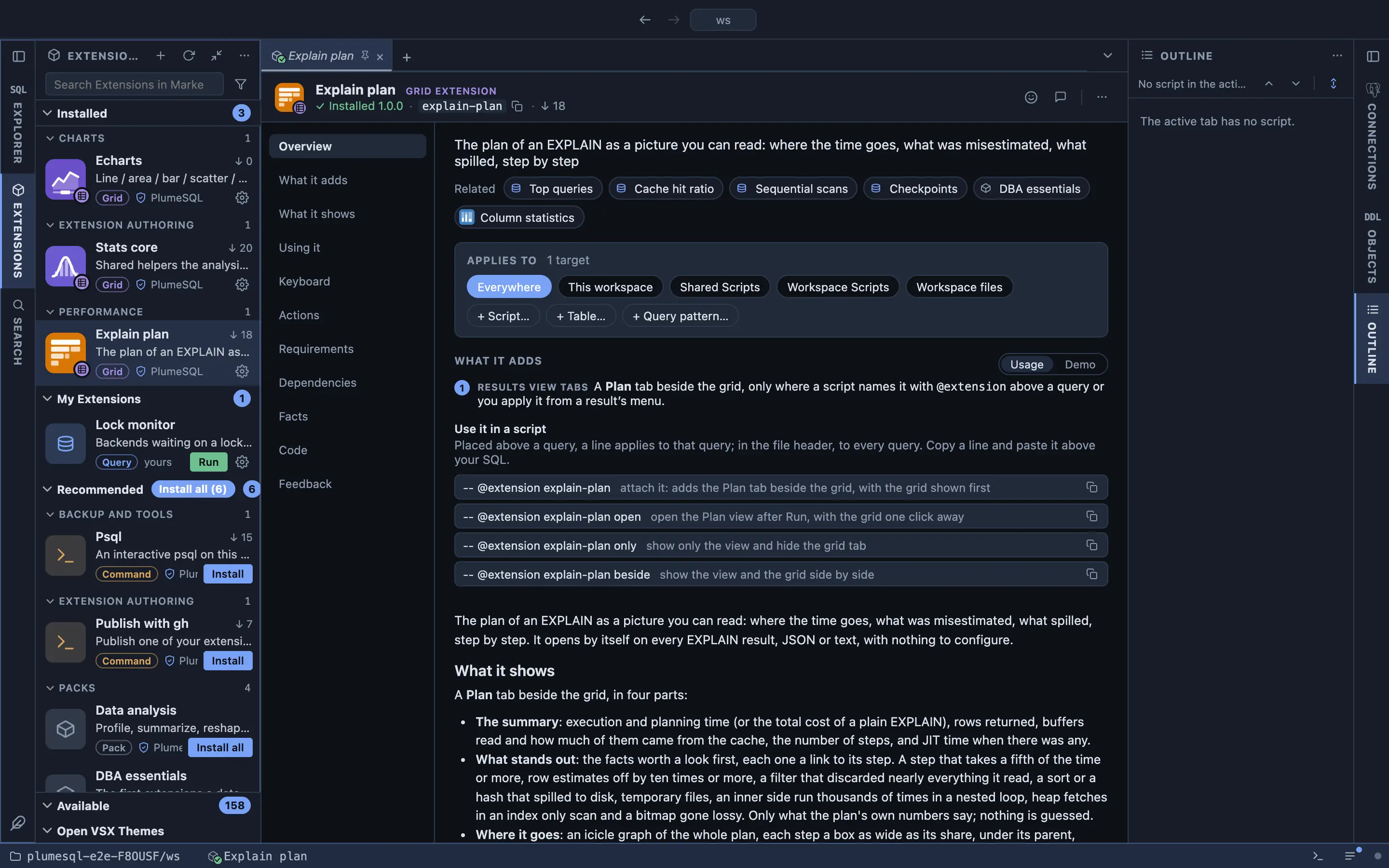
The Explain plan extension's page in the Marketplace
Every extension in the Marketplace documents what it adds and how to use it.
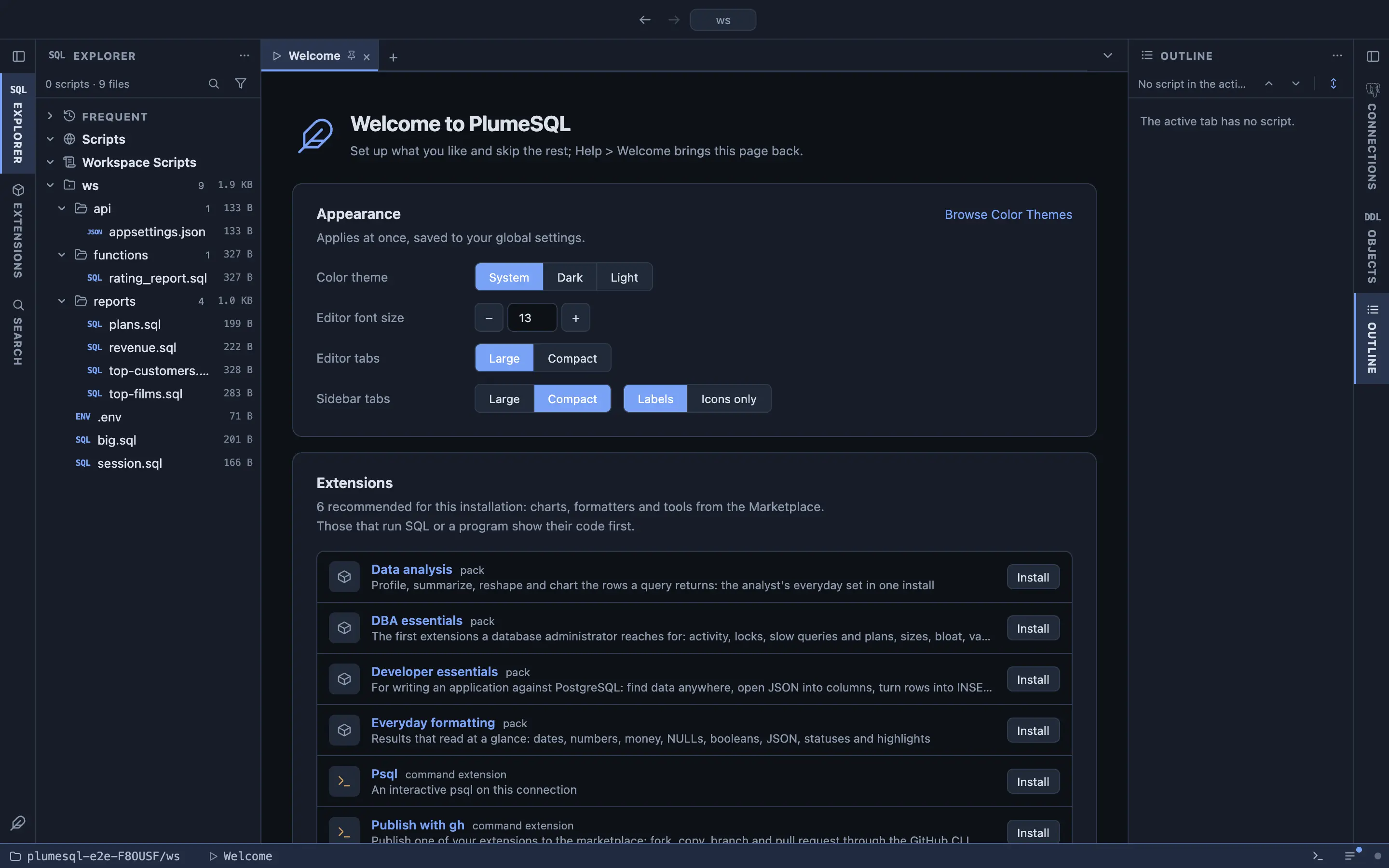
The Welcome page with the appearance settings and recommended extensions
The Welcome page: a theme, a font size and the recommended extensions, one click each.

Pricing

PlumeSQL Community is free.

Everything on this page is in Community: the editor, the grid, the object browser and more than 200 extensions. No account, no trial clock, no card. Editions for developers and teams are coming soon.

For developers
Coming soon
More for one person, on top of Community.
Follow the news
For teams
Coming soon
Working together, on top of Community.
Follow the news

Community needs no account and does not expire.

Download

PlumeSQL 0.20.0

Download once. The app checks for new versions and updates itself. Every release, with its notes, is at github.com/hercstack/plumesql/releases.

The macOS app is signed and notarized by Apple: it opens on the first double click. The Windows installer is not signed yet: if SmartScreen stops it, choose More info and Run anyway.

The desktop app runs on Apple Silicon Macs, on Windows 10 or later, and on a Linux desktop with WebKitGTK 4.1. The Windows build has no integrated terminal yet.

Where to next

Get the app

Download

The extensions

Browse on GitHub

Ask a question

Discussions

Who makes it

hercstack.com